Use Excel for Mac for general spreadsheet use
Excel for Mac handles general spreadsheet work well: Formulas, charts, basic Pivot Tables, basic Power Query, and most everyday analysis. If you don't use Power Pivot, don't need the Data Model, don't depend on interactive Pivot Charts, don't run macros built around the full Windows VBA object model, and don't use any Windows-only add-ons, the native Mac version is sufficient.
Run the Windows version of Excel through Parallels Desktop if you need the full feature set
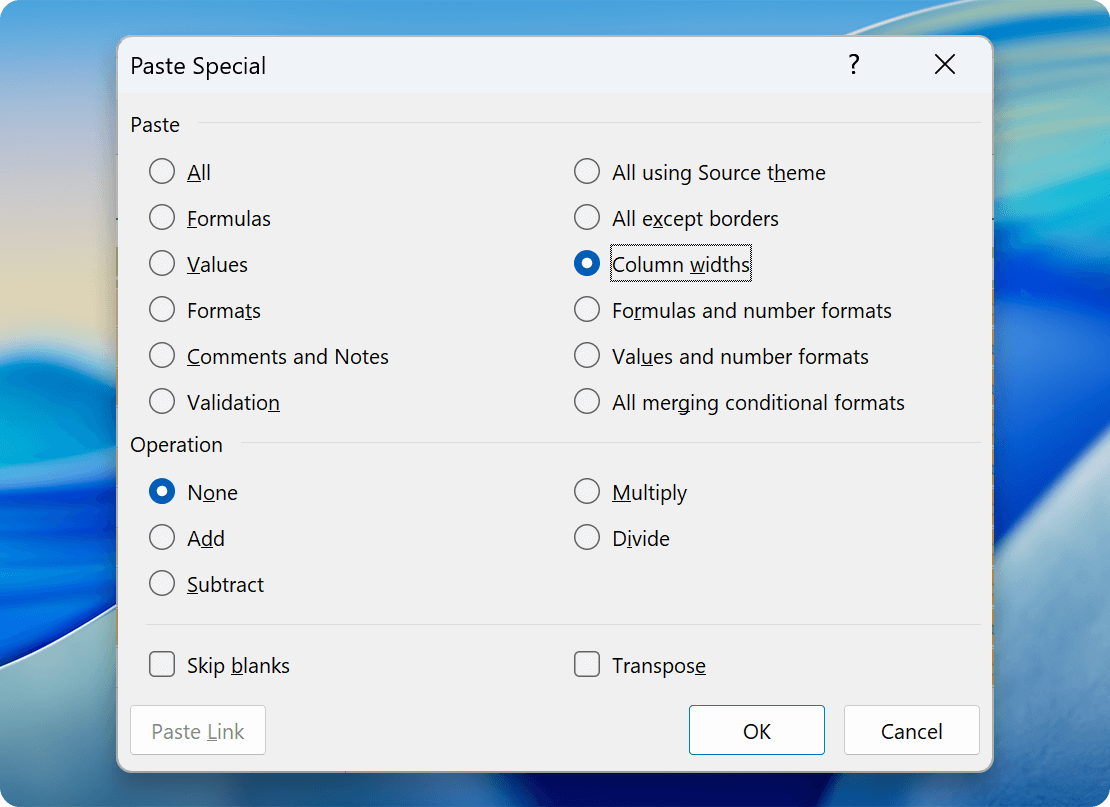
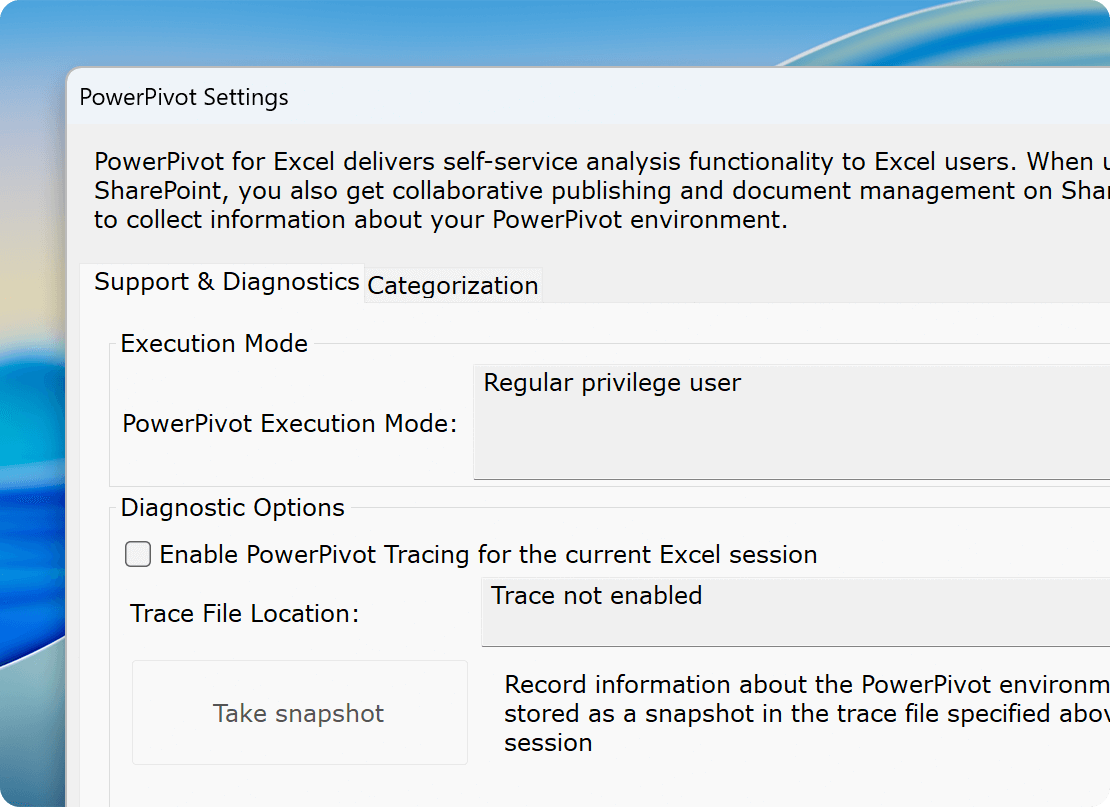
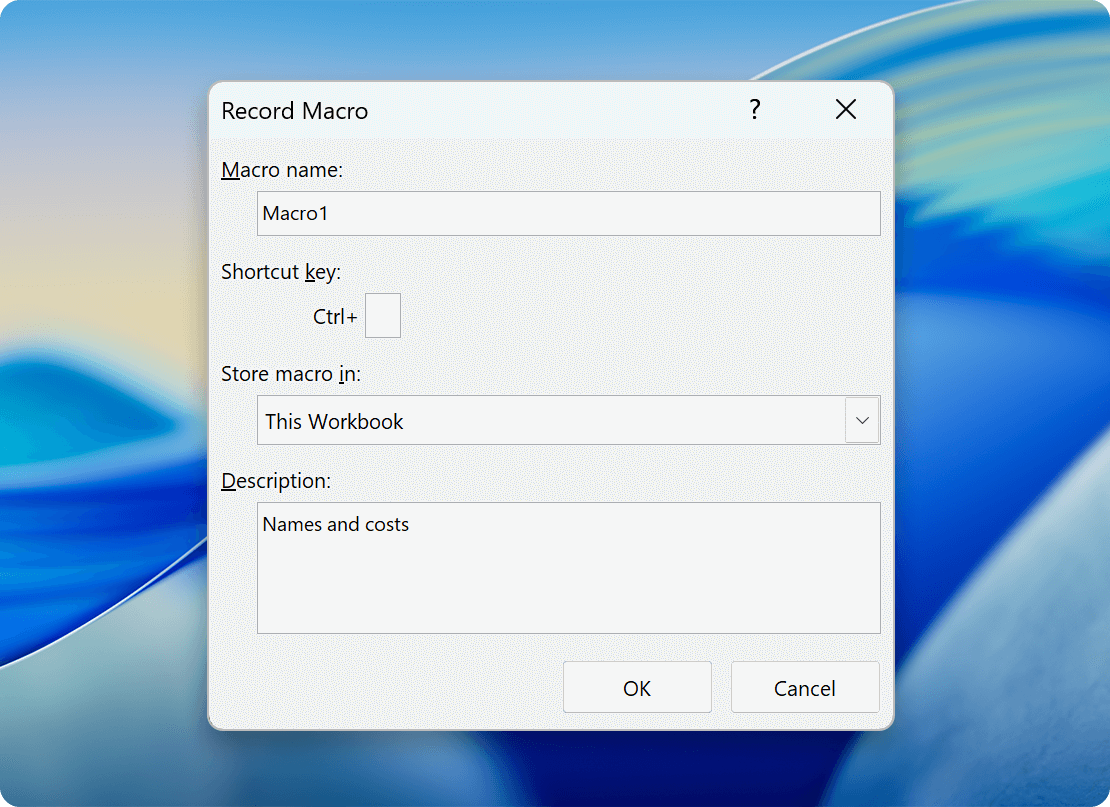
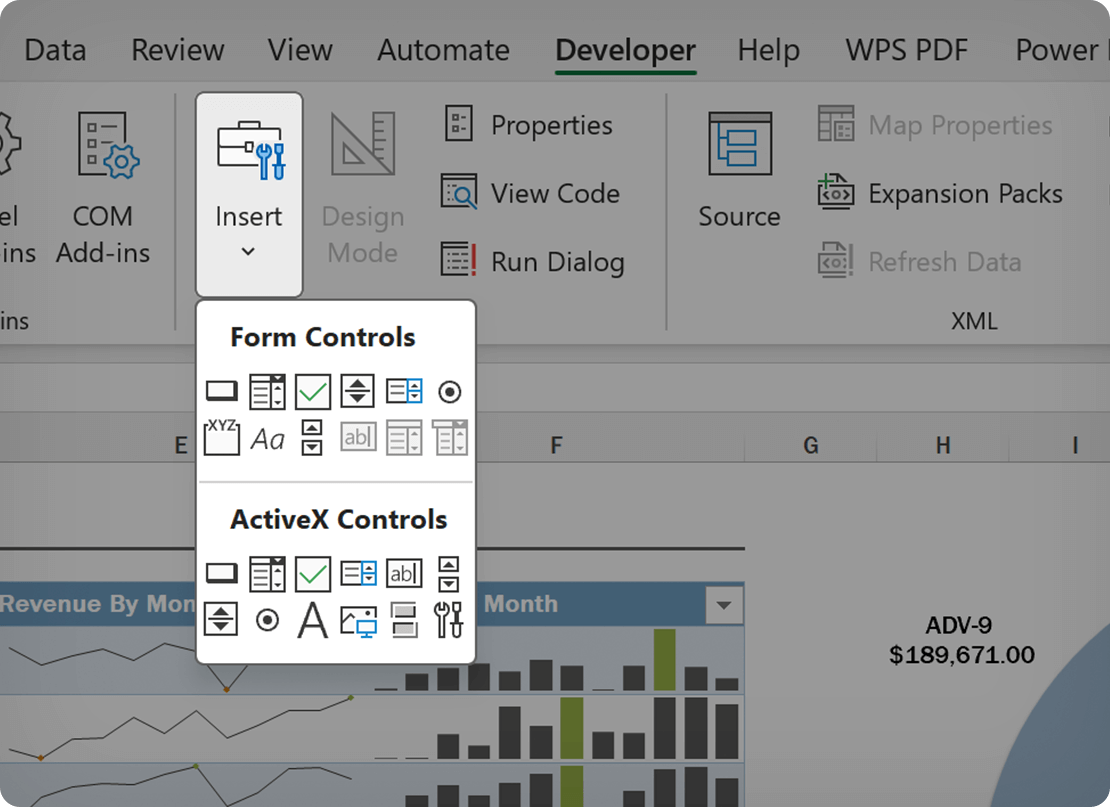
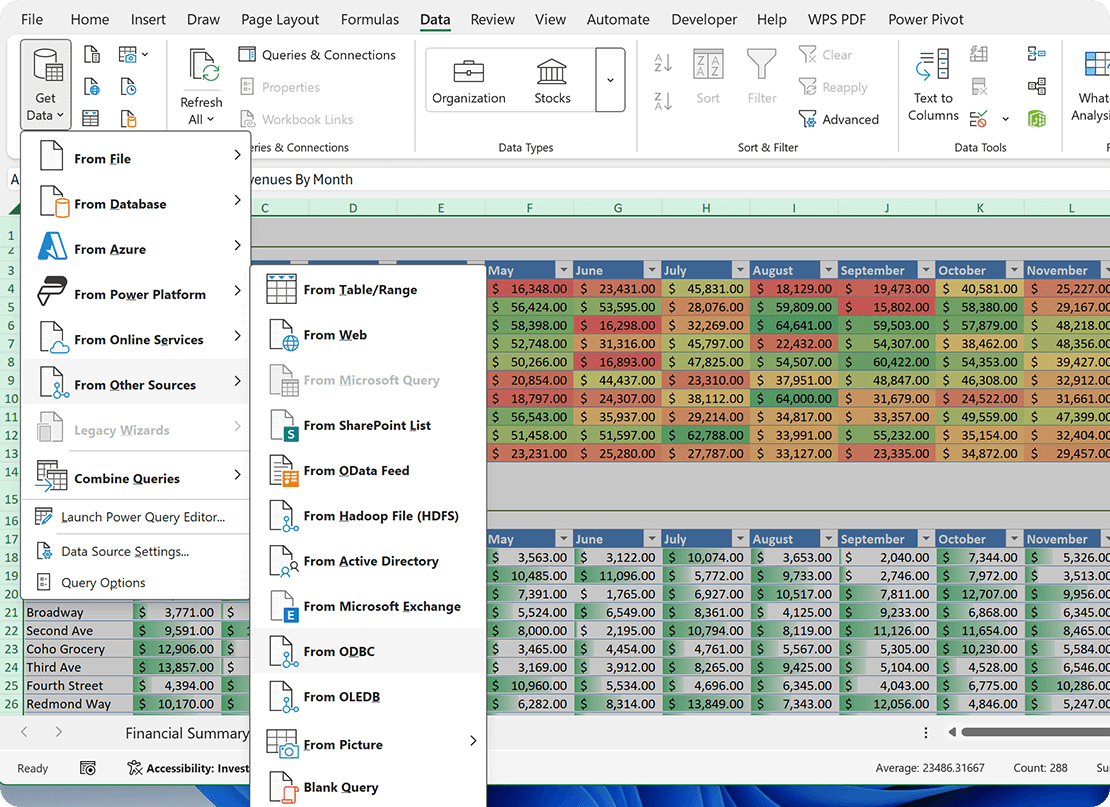
Run the Windows version of Excel through Parallels Desktop if your work needs Power Pivot, the Data Model, interactive Pivot Charts, the full Windows VBA object model, ActiveX or Form Controls, Microsoft Query/ODBC connections, or any Windows-only add-on like CapIQ, JetReports, Kutools, ASAP Utilities, F9, PowerUser, XLGL, SpreadsheetConverter, Collectica. Great for financial analysts, BI teams, accountants, investment bankers, and anyone moving to Mac from a Windows-centric Excel workflow.
Learn more
On Apple silicon, Parallels Desktop is the only Microsoft-authorized option
Parallels Desktop is the only solution Microsoft has authorized to run Windows 11 on Apple silicon Macs. That authorization covers license compliance and Windows update access on M-series hardware. If you’re running Excel on a recent Mac (M1 through M5, MacBook Neo) and need the Windows version for Power Pivot, the Data Model, or any Windows-only add-on, Parallels Desktop is the only authorized way to do it.
Learn more










 Authorized by Microsoft
 Optimized for Mac M-series